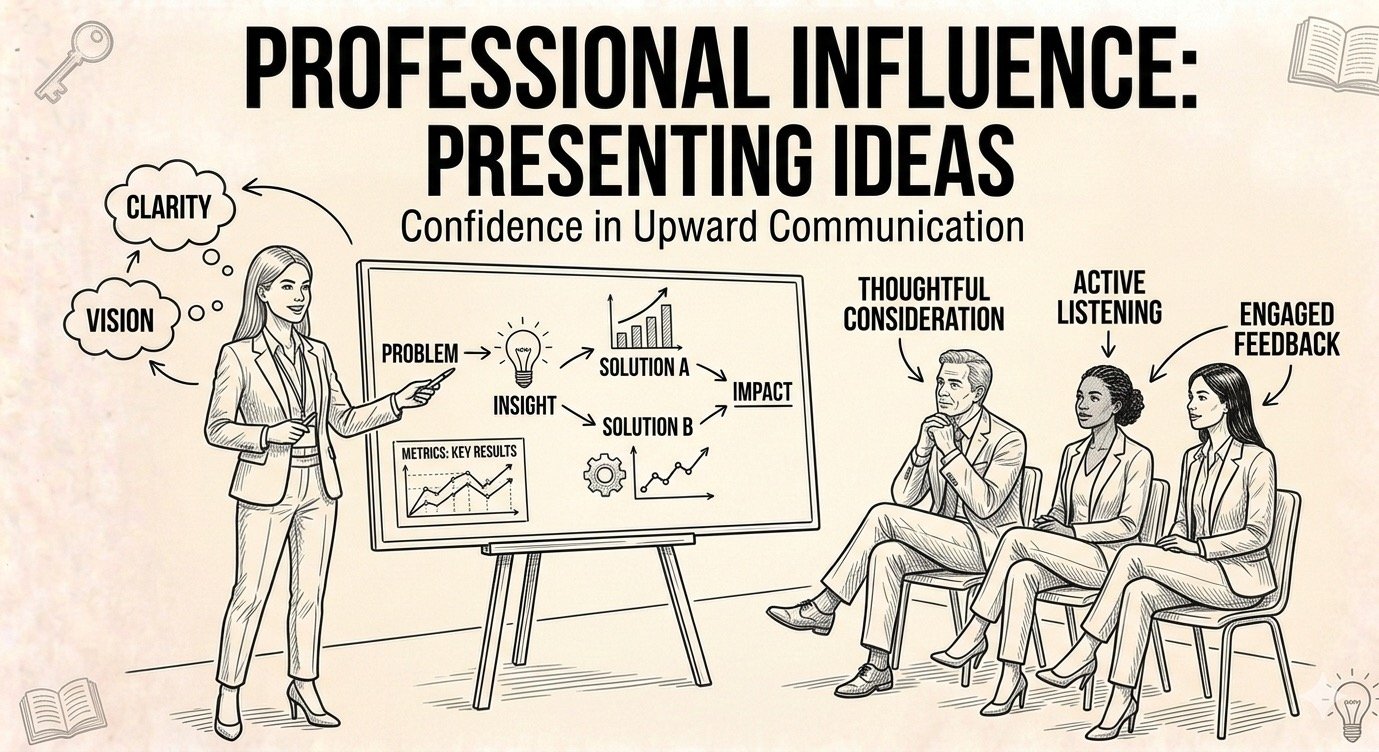
As a middle manager you will be making presentations to the senior management on project deep-dives or critical project issues. You need to make a positive and lasting impression in the short face-time that you get with the senior management. Effective presentation skills are required to make a good impression. There is a difference between making a presentation to the senior management and to others. Senior management being busy, very little time is available to present to them, so the presentation should be short and crisp. As they are also key decision makers, one bad presentation from you can change the fate of your group and its growth. So you must be very diligent in your preparation of your presentation. Some tips for making effective presentations are:
1. Outside-In instead of Inside-out: As engineers, we gravitate towards a verbose presentation with very many details. We want to take the audience through the same thought process/steps that we went through, in say, solving an issue. This approach is "Inside-Out" approach. The more effective presentation is the "Outside-in" approach. Put yourself in the senior management's shoes and think what is that they expect? Address their potential concerns or questions in the first few slides. Remember senior management have less time, so in all probability you will not get time to go through all the slides. So plan your slides should such that the first 10% of the slides cover 90% of all that you wanted to communicate.
2. Story Telling : Conceive your presentation as a story. Start with an "executive summary" slide to outline the story. For example if the presentation is about describing the root cause of a project issue, this summary slide should have a problem statement, observations, root cause and potential work-arounds. You should be able to describe the debug of the issue using this one single slide. Have few extra slides to support this summary slide. The presentation approach should be that of "peeling an onion". Only when more questions are asked, should you take help of the further slides. You can have more detailed slides in the "Back-Up" to further support your presentation.
3. Less Words and Short Sentences : You have to be very stingy with the words that you use. Please note that while you are talking through your presentation, the listener will be scanning your slide that is projected. Cramming it with very many sentences will lose his attention. Lesser the jargon on the slides, lesser would be the questions that gets asked. Lesser the questions, better is the impact of your presentation.
4. Visual aids : Lesser the text and more the visual aids - picture, chart etc., more effective will be the presentation. For example instead of showing the schedule milestones as a table, create a GANTT chart. This way, visually you will be able to explain why there is a schedule slip, which are the critical paths, and what actions if taken, you can pull-in the schedule. Even the technical results when shown as wave-forms are legible, pleasing to eye and easier to convey.
5.Adapt : It is not necessary that all the slides that you prepared, need to be presented. Assess the presentation review process dynamically by observing how the senior manager is responding to your slides. From the body language, if you assess that the interest on a slide is less, then quickly move to the next set of slides. Remember what matters is not what you want to communicate, but what the senior management is interested to listen.
6. Anticipate : One of the critical steps in preparing for the presentation is to anticipate the type of questions that will come up. Every word in the slide is a source for a question. So be precise with your slides. If you know about the nature of the person to whom you will make the presentation, anticipate the sort of questions this person will ask. For example if a person is schedule-driven, then the obvious questions that he could ask would be about the task duration, about the critical path of the schedule, and what are the ways to pull-in the schedule etc., Prepare for all such anticipated questions.
7. Internal Reviews: Have couple of internal reviews with your senior managers. As they are more closer to the senior management, they can provide better perspective of the expectations from the presentation. Be open to over-haul the presentation based on their feedback.
8. Rehearse : It is good to rehearse your presentation couple of times. It helps to write the script of your presentation on a paper and rehearse it as a virtual presentation. Clinton apparently rehearsed 27 odd times, the first speech, that he gave as the US president.
Why This Matters
Research on organizational decision-making consistently demonstrates that presentation quality significantly impacts both decision outcomes and presenter credibility assessments. Two managers presenting identical analysis with different presentation structures can receive dramatically different reception—one seen as strategic and clear-thinking, the other as detail-oriented but not leadership material. This is not superficial bias; senior leaders make hundreds of decisions weekly and develop rapid pattern recognition for presentations that respect their time and cognitive load versus those that do not. In an era where middle manager advancement depends heavily on senior leadership sponsorship, the ability to present complex information with clarity, brevity, and strategic framing directly determines access to resources, projects, and career advancement.
Leadership in Practice
An engineering manager at a major technology company prepared to present a critical technical issue to a senior vice president. The problem was complex: a design flaw that would require significant rework but was not yet customer-impacting. The manager's initial presentation followed the classic inside-out structure: historical context, detailed technical background, timeline of discovery, methodical analysis of root causes, and finally, recommendations.
A mentor reviewed the draft and asked pointedly: "If the SVP only reads your first slide and interrupts with questions, will they understand the core issue and your recommendation?" The answer was no—that information lived on slide twelve of fifteen. The mentor advised: "Put everything that matters on slide one. Everything else is backup."
The manager rebuilt the presentation completely. Slide one became an executive summary: problem statement, business impact, root cause, recommendation, and required resources. Detailed technical analysis moved to backup slides. The presentation structure assumed the audience would interrupt constantly, so each section could stand alone. Visual aids replaced text-heavy explanations.
The actual presentation lasted eighteen minutes of the scheduled thirty. The SVP interrupted three times with questions, each time addressed efficiently using backup slides prepared in advance. By minute twenty, the decision was made and resources approved. The remaining time was spent on implementation discussion rather than basic problem explanation.
The manager reflected: "I spent twice as long preparing that presentation compared to my usual approach. But I got the decision I needed in half the time I expected, and I left with the SVP commenting that I presented clearly. That comment mattered more than the approved resources—it meant I would get future opportunities to present."
Leadership Framework
**The Executive Presentation Framework**
**1. Outside-In Structure**
Start with what senior leadership needs, not what you want to explain: Create an executive summary slide that stands alone - problem, impact, recommendation, required decision, resources needed. Assume you will only get to present this one slide. Everything else is supporting detail they may never see. Lead with conclusions, provide supporting analysis only when requested.
**2. The 10-90 Rule**
Your first 10 percent of slides should convey 90 percent of your message: Front-load all critical information. Detailed methodology, comprehensive analysis, and background context belong in backup slides. If senior leadership only sees three slides before time runs out, they should have everything needed for decisions.
**3. Story Structure**
Conceive presentations as stories with clear narrative arc: Begin with executive summary that tells the complete story in one slide. Organize subsequent slides as "peeling an onion" - each layer provides more detail only if audience wants to go deeper. Use backup slides extensively for technical depth you probably will not present but might need if questioned.
**4. Visual Over Verbal**
Replace text with visual aids wherever possible: Charts show trends better than bullet points. Diagrams explain relationships better than paragraphs. Gantt charts communicate schedules better than milestone tables. Visual processing is faster than reading, and senior leaders are chronically time-constrained. Less text, more graphics.
**5. Concise Language**
Be ruthlessly stingy with words: Every sentence on a slide represents potential distraction while you are speaking. Remove jargon that requires explanation. Use short, declarative sentences. If a word does not add essential meaning, delete it. Dense slides lose audience attention.
**6. Question Anticipation**
Prepare systematically for likely questions: Every assertion invites a question. Every recommendation raises concerns. List ten most probable questions and prepare concise answers, supported by backup slides if needed. Know your audience: schedule-driven leaders ask about timelines, cost-focused leaders ask about resources, risk-averse leaders ask about failure modes. Prepare accordingly.
**7. Internal Review**
Present to senior managers before presenting to senior leadership: People closer to executives understand their communication preferences and typical concerns. Incorporate their feedback seriously. Be willing to restructure completely based on their guidance. Better to rebuild the presentation than fail in the actual meeting.
**8. Dynamic Adaptation**
Read the room and adapt in real-time: If senior leader engagement drops, skip to next major topic. If questions focus on specific area, go deeper there and abbreviate other sections. If body language signals time pressure, jump directly to recommendations. What you planned to communicate matters less than what your audience needs to hear.
Leadership Takeaway
This week, take your next senior leadership presentation and audit it against the outside-in principle: Can someone understand your core message, recommendation, and required decision from slide one alone? If not, rebuild. Then reduce text by 50 percent, replacing words with visuals wherever possible. Finally, list ten questions you hope senior leaders do not ask - then prepare answers for exactly those questions, because those are precisely what they will ask. Remember: presentation quality shapes both decision outcomes and leadership perception of your strategic thinking.
"Clarity is power. The more clear and concise your communication, the greater your influence." - Principle of executive communication
Ramu Kaka's Wisdom
The messenger who takes an hour to deliver news that requires five minutes will not be trusted with important messages. The wise messenger says what matters first, then provides details only if asked. Senior leaders treasure their time - waste it and they will find other messengers.
Reflection Questions
- If senior leadership only read your first slide and interrupted with questions, would they understand your recommendation and required decision - or would critical information live on slide twelve?
- How much time do you spend explaining how you reached conclusions versus what those conclusions are and what leadership should do about them?
- When preparing presentations, do you structure them for your comfort (building context systematically) or for audience needs (front-loading decisions and recommendations)?
Comments